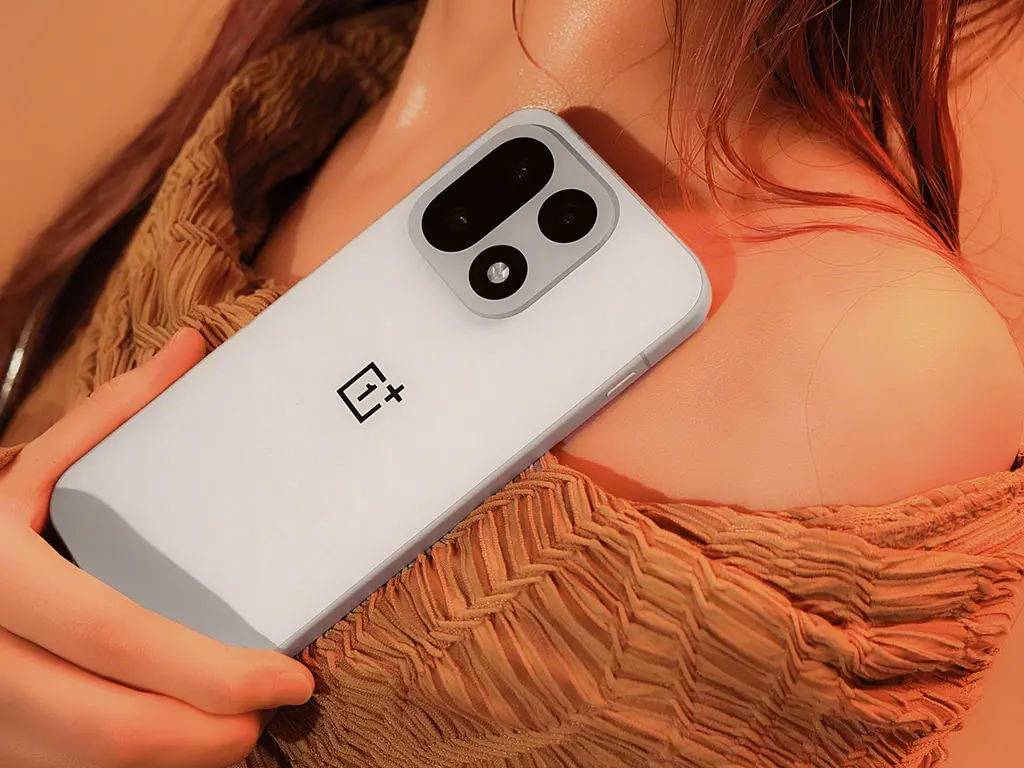
The OnePlus brand has always been known for its smooth performance, clean software, and loyal community. With the release of OxygenOS 16, OnePlus continues to refine its vision of delivering a fast, smooth, and intelligent Android experience. Built on Android 15, this version not only enhances design aesthetics but also focuses on AI-driven customization, battery optimization, privacy control, and seamless connectivity across devices.
🌟 A Fresh, Minimalist Design

OxygenOS 16 continues the OnePlus philosophy of “fast and smooth” while introducing a refined user interface inspired by material design principles. The new UI feels lighter, faster, and more responsive. Rounded icons, smoother animations, and redesigned widgets make the home screen look modern and organized.
The “Aquamorphic” color scheme—inspired by OxygenOS 14—has been further polished, with adaptive tones that shift subtly throughout the day, offering a calm and immersive visual experience. Transitions between apps are more fluid, and the interface now adapts intelligently based on your usage patterns
⚙️ AI-Powered Smart Features

OnePlus has integrated AI deeply into OxygenOS 16. The new Smart Scene Recognition learns your daily routines to suggest actions—like enabling focus mode during work hours or activating dark mode at night.
The AI Toolbox allows instant access to translation, summarization, and screenshot editing. There’s even a Smart Note feature that auto-summarizes long documents and converts voice notes into readable text.
For photographers, the AI Image Enhancement Engine 2.0 automatically adjusts color tones, lighting, and HDR balance for stunning photos, ensuring that every shot looks professional.
🔋 Performance and Battery Optimization

OnePlus has always been a performance leader, and OxygenOS 16 pushes it further. The HyperBoost Gaming Engine 2.1 ensures lag-free gameplay, reducing frame drops and optimizing GPU efficiency.
Battery performance has seen major upgrades. Thanks to AI Smart Charging, the system learns your usage habits and prevents overcharging, extending battery health. The new Power Saver Mode 2.0 intelligently balances performance with endurance — ideal for long workdays or travel.
🔒 Enhanced Privacy and Security Controls
In OxygenOS 16, privacy takes center stage. OnePlus introduces Private Space, a secure folder that stores apps, photos, and data behind a fingerprint or PIN.
The App Permissions Dashboard now offers real-time tracking of how and when apps access your location, camera, and microphone. Additionally, Auto-Blocker prevents untrusted apps from running background scripts or sharing data with third parties.
Users can also use Secure Wi-Fi Shield, which encrypts all internet traffic when connected to public networks, ensuring complete online protection.
🔗 Seamless Cross-Device Connectivity
OxygenOS 16 integrates beautifully across OnePlus devices — from smartphones to tablets, TVs, and even laptops. With OnePlus Connect 2.0, users can transfer files instantly, share notifications, and continue tasks across devices.
The Smart Link feature lets you copy text or images on one device and paste them on another in real time — a huge plus for professionals and students who work across multiple screens.
📱 Customization and Personalization
Personalization is at the heart of OxygenOS 16. The Theme Engine now offers deeper customization, including fonts, icon shapes, accent colors, and even dynamic wallpapers that respond to your gestures.
The new Always-On Display (AOD) 3.0 brings AI-powered animations, weather info, and real-time battery stats to the lock screen. You can even create Bitmoji-style avatars that react to time, music, and notifications.
☁️ Cloud Sync and Smart Backup
OxygenOS 16 simplifies data management with OnePlus Cloud 2.0, offering encrypted backup for contacts, messages, photos, and settings. You can restore everything with one tap, even when switching devices.
Cloud synchronization is now faster, and users get a “Smart Switch” migration tool, enabling quick transfer of files, apps, and preferences between OnePlus phones.
🧩 Device Compatibility
OxygenOS 16 rolls out first to OnePlus 12, 12R, 11, and Nord 3, with the beta version already available for testers. Over the next few months, OnePlus plans to extend support to Nord CE and future models.
The update size varies between 1.8 GB to 2.3 GB depending on the model, and OnePlus recommends backing up important data before installation.
OnePlus OxygenOS 16 Related FAQ
1. What is OxygenOS 16?
Answer: OxygenOS 16 is the latest version of OnePlus’ custom Android operating system. It offers improved performance, enhanced privacy features, updated UI design, and new customization options for a smoother user experience.
2. Which OnePlus devices are compatible with OxygenOS 16?
Answer: OxygenOS 16 is available for the latest OnePlus models, including the OnePlus 11 series, OnePlus 10 series, and select earlier devices. Compatibility depends on your device’s hardware and region.
3. What are the key features of OxygenOS 16?
Answer: Key features include a refreshed user interface, enhanced dark mode, optimized system performance, improved battery management, and advanced privacy controls. It also includes new widgets and gesture controls.
4. How can I update to OxygenOS 16?
Answer: To update, go to Settings > System > System Updates on your OnePlus device. Ensure your device has enough battery and a stable internet connection before downloading and installing the update.
5. Will OxygenOS 16 affect my apps or data?
Answer: Updating to OxygenOS 16 generally preserves apps and data, but it’s recommended to back up important files before updating to avoid any unexpected issues.
⚡ Final Verdict: A Step Forward in Simplicity and Power
OxygenOS 16 isn’t just another Android skin—it’s a powerful ecosystem built around user experience. With AI-driven efficiency, strong privacy tools, and a beautifully refined interface, OnePlus has successfully combined speed, intelligence, and elegance into one seamless experience.
Also Read-Most Popular Mobile Games of 2025